From first click to your ad on screen – it's that simple.
Choose a location, set your dates, upload your creative – and your ad runs on the digital screens in your city. All online, at your own pace.
Choose locations, book, launch
Your own campaign in minutes – simple and transparent.
Locations
Select your preferred locations on the map
Duration & Budget
Set your time frame and budget
Book & Pay
Pay securely, receive instant confirmation
Review
Ströer reviews your campaign and creatives
Live
Your campaign starts on your chosen date
Select locations
- Search by address or point of interest
- Radius search from your location
- Filter by environment
- Select locations individually or in bulk
Contacts = projected gross contacts per week (including repeat contacts), based on statistical reach models.
Set duration & budget
- Choose start and end date
- Optional: Restrict to specific times of day (morning, afternoon, evening)
- Enter budget – contacts are calculated automatically
- Pay securely via credit card or PayPal
You always see transparently how many contacts you will reach.
Book & Pay
- Review your campaign summary
- Upload creatives (or submit later)
- Enter company details and contact person
- Pay securely via credit card or PayPal
After clicking 'Book with payment' you will instantly receive a booking confirmation by email.
What happens next
From confirmation to final approval, every step stays transparent.
After booking
Confirmation
Instant booking confirmation by email
Review
Campaign parameters are reviewed
Order & Invoice
Order confirmation and invoice by email
Creatives
Upload until 3 business days before
Creative Review
Manual review by our team
Go Live
Campaign starts as scheduled
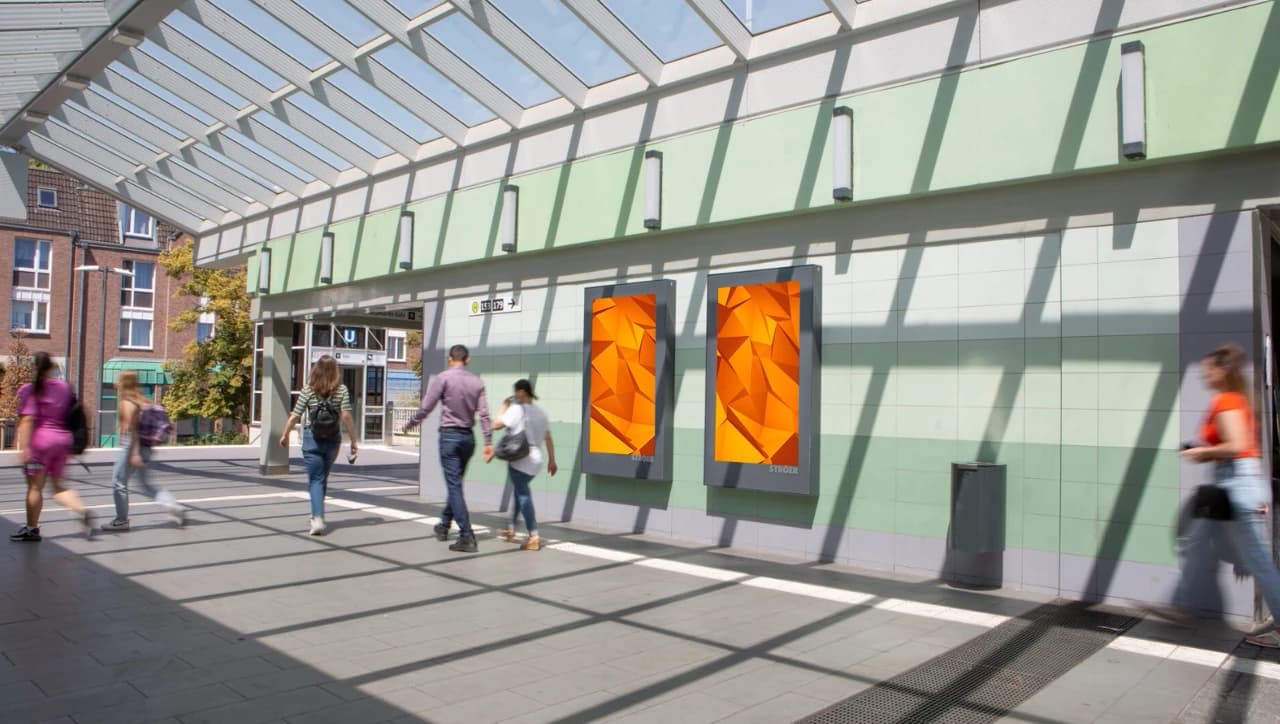
Price components at a glance
You only pay for the contacts you reach.
Price is calculated in real time from location, duration and frequency. Full transparency before booking.
CPM (Contact Price)
Price per 1,000 advertising contacts. Varies based on location, duration, and playout frequency.
Daypart Targeting (optional)
optionalSurcharge when restricting to specific times of day (e.g. morning or evening only).
How to read the price indication
Contacts are gross contacts: every single opportunity for people to perceive your advertising – including repeat contacts by the same person.
You enter your budget and immediately see the expected number of contacts.
No calculator needed: all values are calculated directly and transparently in the booking flow.
All price components are transparently itemized before booking. No hidden costs.
Advertising Contacts
In digital out-of-home advertising (DOOH), advertising contacts refer to the projected opportunities to see – i.e. how often people pass a digital advertising medium and have the opportunity to perceive the ad – determined on the basis of recognised reach and frequency models. Since the same person may pass the medium several times during the campaign period, these repeat contacts are counted as well; this is why we speak of gross contacts.
Reach is calculated using statistically sound, model-based methods employing appropriate data sources (e.g. anonymised movement data, location frequencies, visibility and market research studies) and may include multiple contacts by the same person.
The stated advertising contacts represent a forecast only; they do not constitute a warranty or guarantee that any specific actual number of contacts or viewers will be achieved.
When you select a specific number of advertising contacts, this means: your campaign will be delivered in such a way that this number of estimated visible contacts is reached within the selected period.
Unlike classic time-based or loop bookings (where you book a fixed number of ad plays), this booking model is not based on the number of plays but on the reach of each individual play – and the number of plays required to achieve the booked advertising contacts will be executed accordingly.
The number of plays required to reach the booked number of advertising contacts therefore varies. For example, a single play during "rush hour" generates significantly more advertising contacts than one during an "off-peak hour".
Screen environments by venue type
Digital advertising spaces at the most important locations in Germany.
Choose environments that match your target group and campaign message.
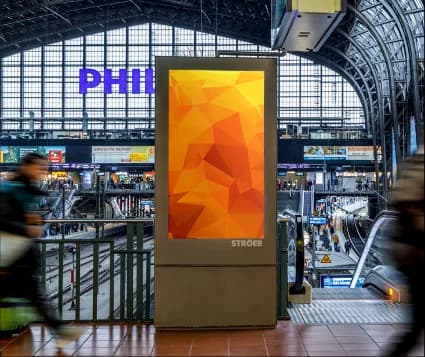
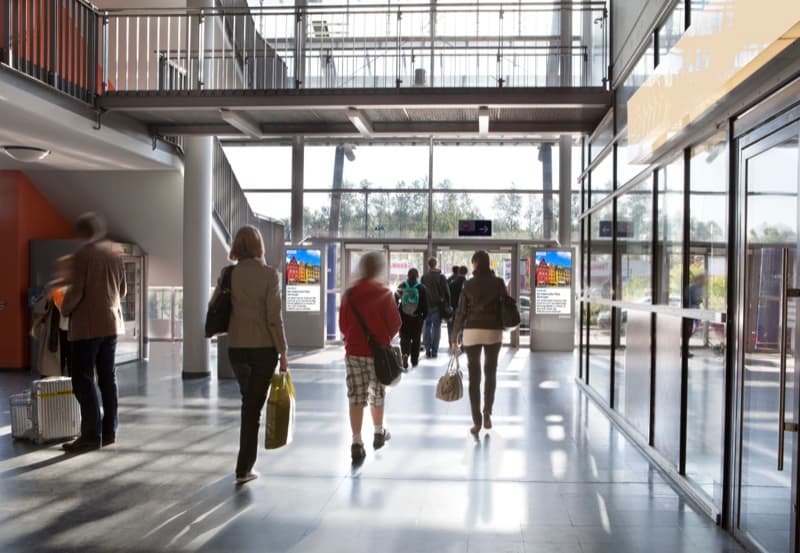
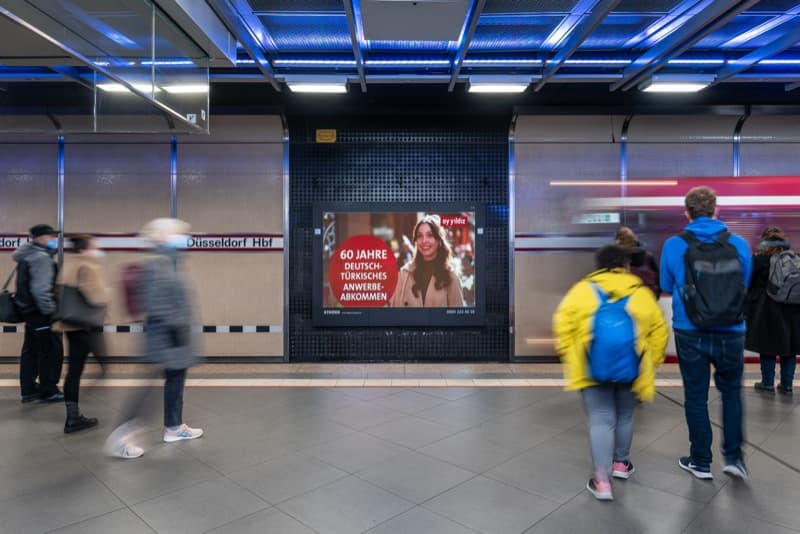
Stations & Roadside
Commuters and travellers at stations, stops and busy traffic corridors
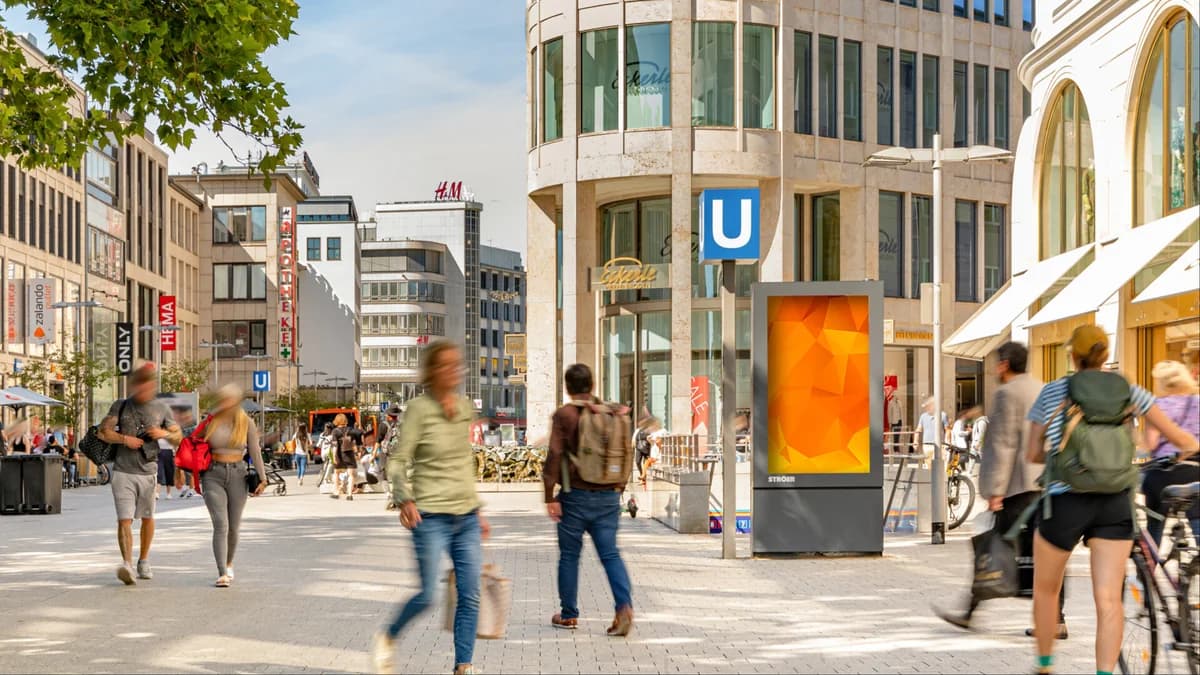
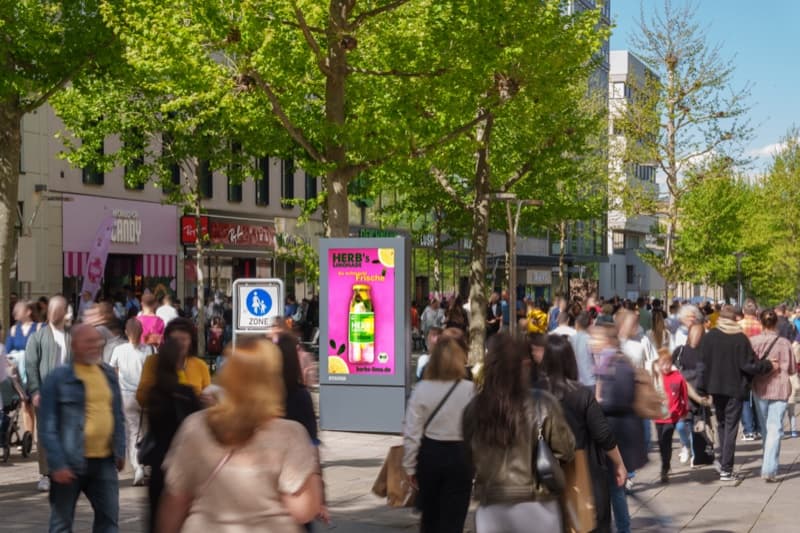
Urban Hotspots
Pedestrian zones and city centres at eye level
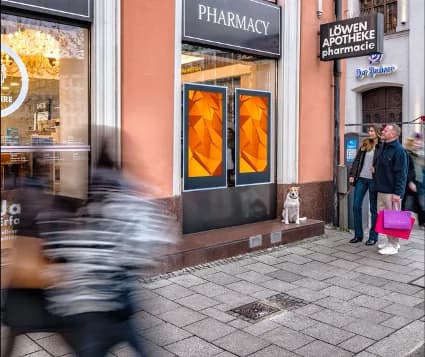
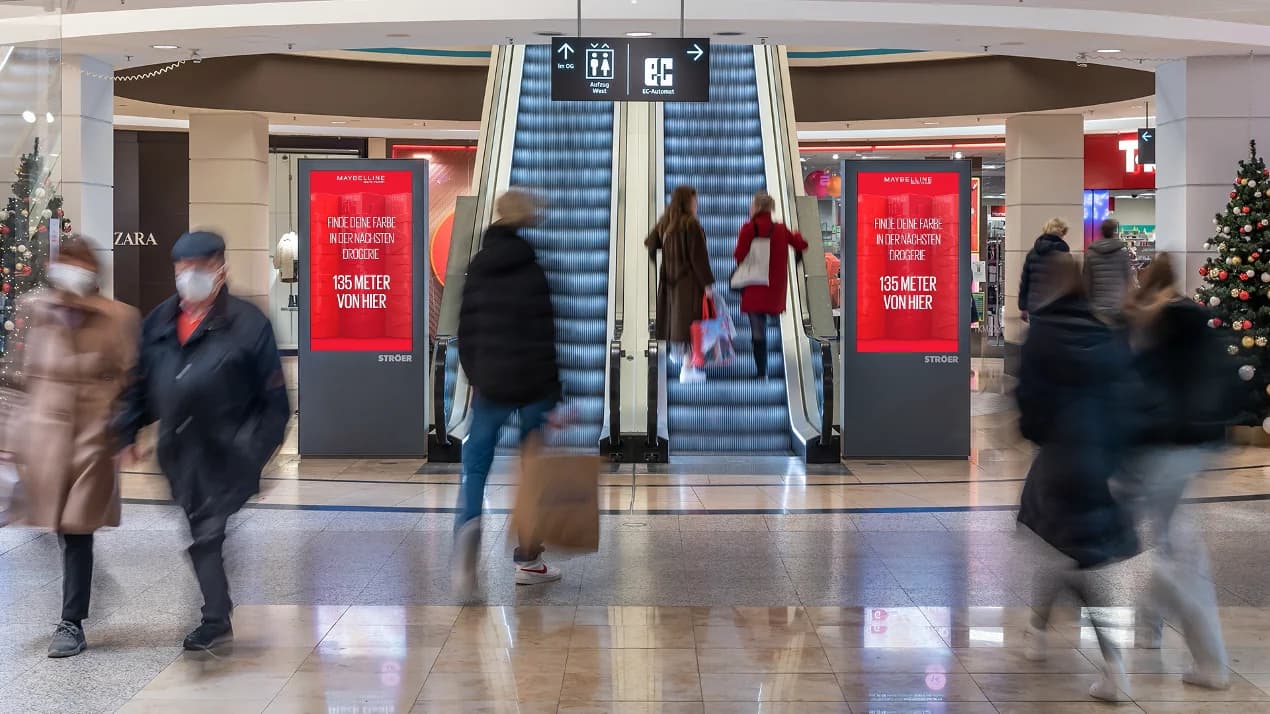
Shopping & Groceries
Directly at the point of sale – supermarkets, drugstores, shopping centres
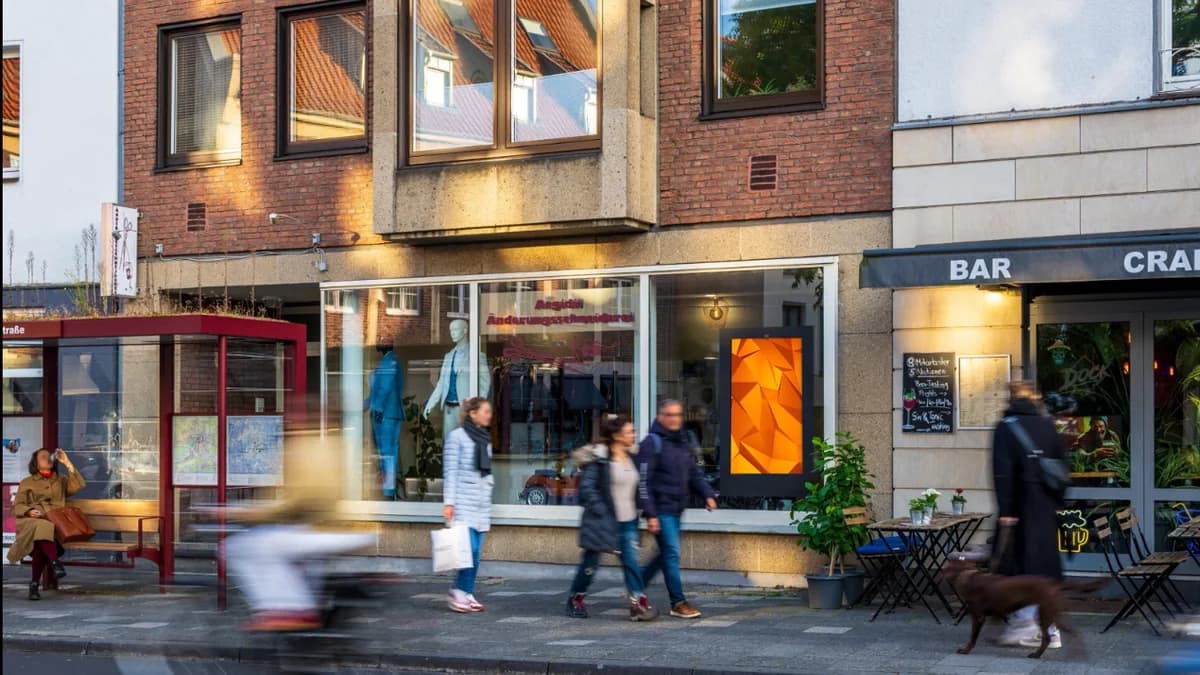
Leisure & Dining
Restaurants, gyms and cinemas – relaxed atmosphere
Upload checklist before campaign launch
Upload your finished files during booking – or submit them up to 3 business days before your campaign starts.
All minimum requirements in one place, so your asset can be approved quickly.
1920 x 1080 px
Landscape (16:9)
1080 x 1920 px
Portrait (9:16)
Technische Anforderungen
Video: MP4 or MOV, 25 / 29.97 / 30 fps, no audio; codec uncompressed or H.264 (min. 30 Mbit/s), progressive
Still image: JPG or PNG
Spot length: exactly 10 seconds
Guidelines for content and formal setup
Content must comply with youth protection regulations
Spots must be delivered in the exact resolution of the booked media
Spot length must match the booked duration frame-accurately
Place key information (headline, URL, logo) large and instantly readable
Best practices
Clear message that can be grasped in seconds
Logo and URL large and visible
High contrast, minimal text (70/30 rule)
Content must be fully perceivable within the booked time window
Spot and resolution must exactly match the booked screen format

